Updated on March 24, 2026
Most equipment management solutions claim to serve all industries. But construction has unique challenges that require specialized tools, and generic solutions typically fail to address these operational demands.
When looking to implement construction equipment management software, contractors should prioritize a system that:
- Provides a fully integrated, single platform of all their features, so you’re not left juggling multiple disconnected systems.
- Supports the tracking of a mixed asset fleet (i.e., heavy equipment, heavy trucks, on-road fleet vehicles, parts and attachments, consumables, small tools, etc.), not just a standalone product for either on-road fleet, equipment, or tools.
- Offers in-house customer support and tech implementation, ideally with a team who understand construction equipment and environments.
In this guide, we’ll examine several of the best construction equipment management software platforms. Each review includes pros, cons, key features, and pricing information to help you compare and decide which is the best fit for your business.
Methodology: How We Evaluated These Platforms
This guide evaluates software using publicly available documentation, vendor information, customer reviews, and industry expert review.
Publisher Note:
This guide is published by Tenna. While Tenna is included in this list, all vendors were evaluated using the same scoring criteria described in the methodology section below.
Scoring Criteria
| Criteria | Weight |
|---|---|
| Features & functionality | 30% |
| Integrations & telematics support | 20% |
| Pricing transparency & value | 15% |
| Customer support & implementation | 15% |
| Security & reliability | 10% |
| Contract flexibility | 10% |
Data Sources
- Vendor websites and documentation
- Customer reviews and case studies
- Industry publications and fleet management benchmarks
- Interviews with equipment managers
Editorial Review
Reviewed by a construction technology specialist with experience implementing equipment management systems across civil, utilities, and heavy construction fleets.
1. Tenna
Overview
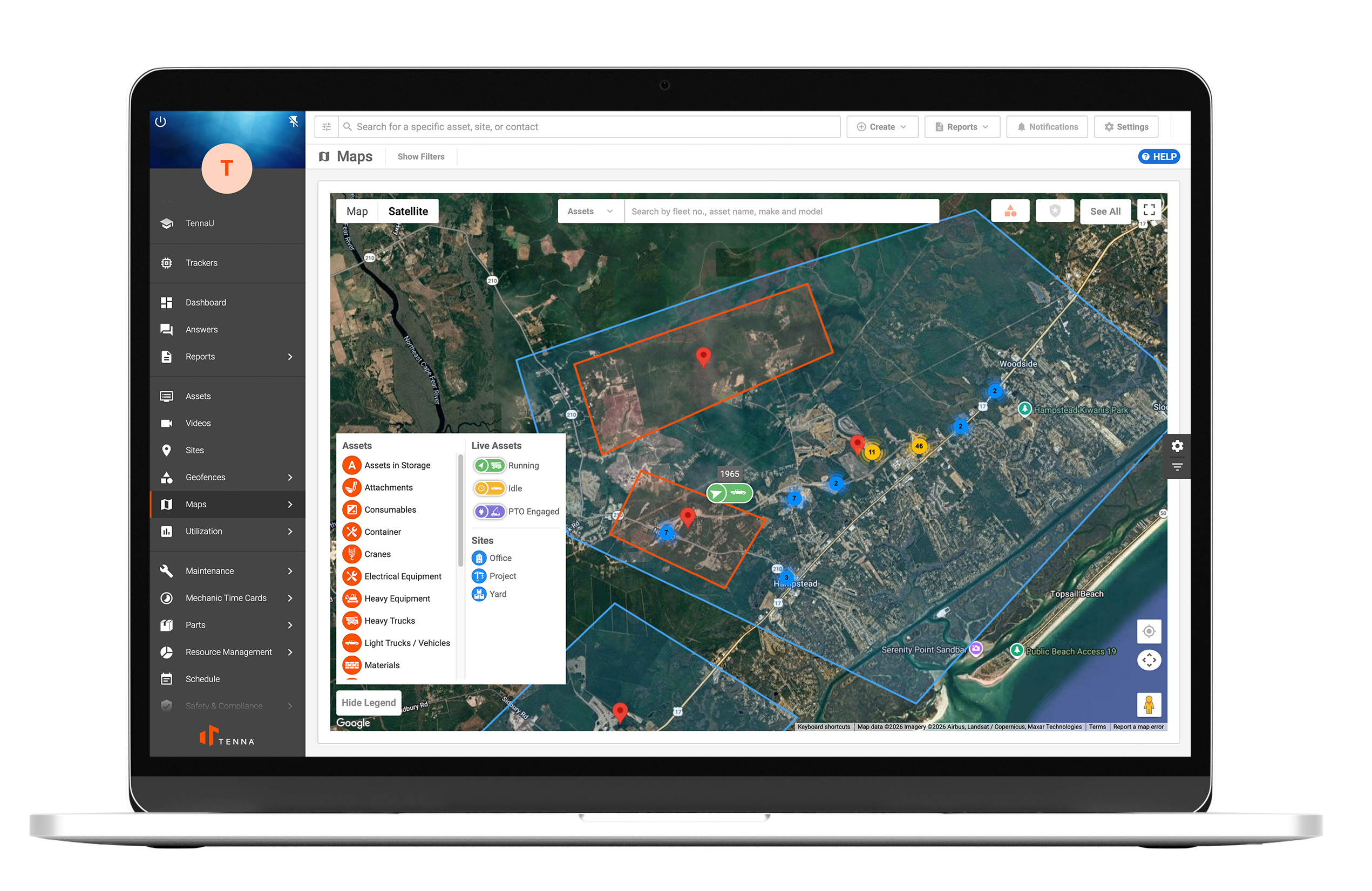
Tenna is a construction-focused equipment management platform designed to track mixed asset fleets, including heavy equipment, trucks, tools, attachments, and consumables. The platform connects field crews, maintenance teams, and office staff to manage utilization, maintenance, and jobsite asset allocation. With one connected system, contractors can make smarter equipment operations decisions based on data and insights.
Best For
Construction companies managing mixed fleets and multiple job sites.
Key Features
- Mixed fleet asset tracking
- Safety dash cameras for fleet and heavy equipment
- Digital inspections and automated compliance workflows
- Preventive maintenance and work order management
- Parts inventory management
- Mechanic timecards
- Equipment dispatch and transfer management
- ERP and accounting integrations
- Utilization analytics dashboards
| ✅ Pros | ❌ Cons |
|---|---|
|
|
Integrations
Accounting and ERP systems, SaaS integrations, OEM and equipment rental integrations, fuel management integrations, and parts procurement integrations.
Contract Terms
Custom contracts depending on fleet size and hardware deployment.
Mobile Support
iOS and Android mobile apps.
Pricing
Custom pricing based on asset volume, telematics hardware, and implementation requirements.
2. Teletrac Navman
Overview
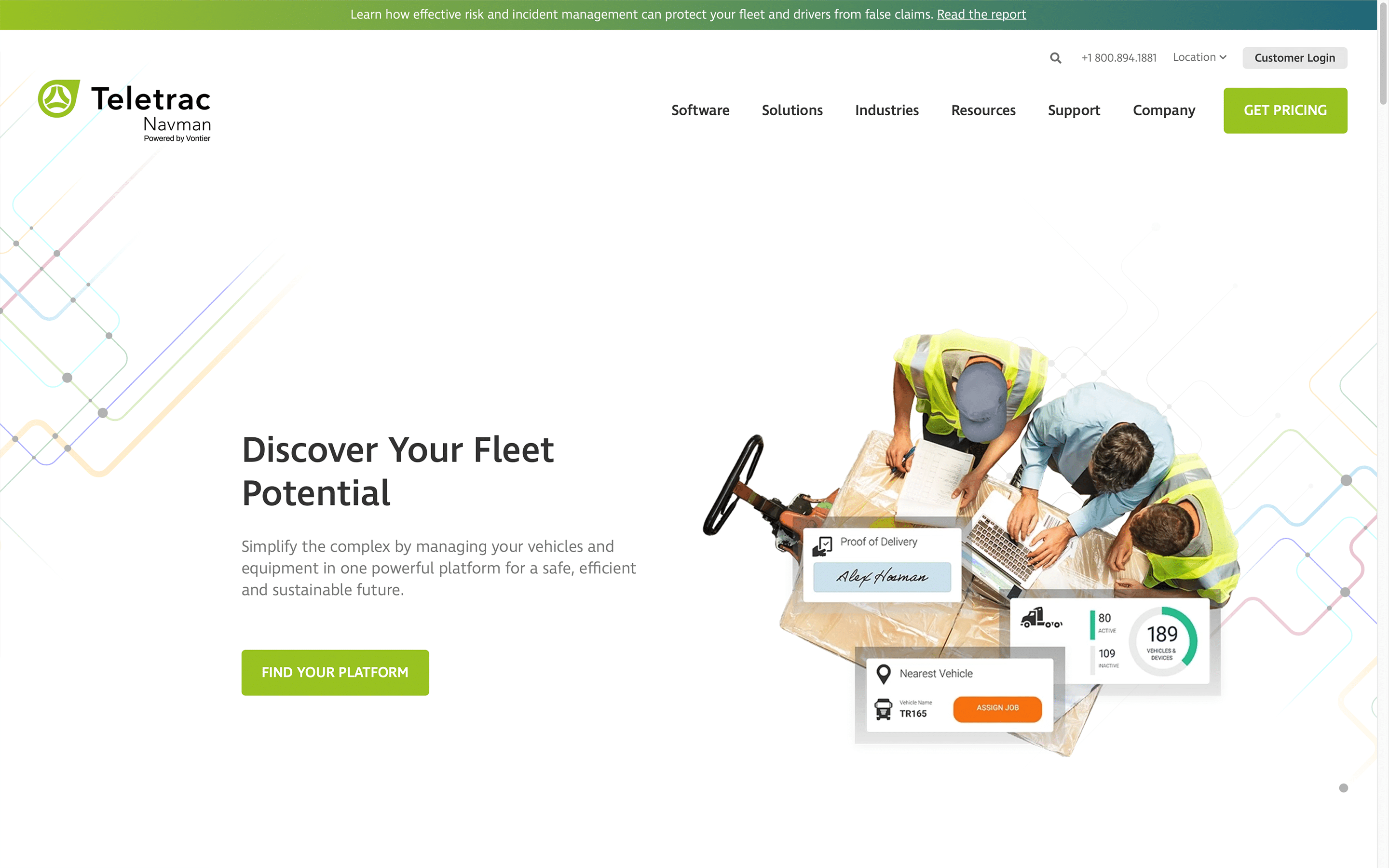
TN360 from Teletrac Navman centralizes equipment operations for construction assets. The platform tracks location, maintenance needs, and utilization across powered and non-powered equipment using tracking hardware.
Best For
Contractors that want GPS tracking only across mixed fleets.
Key Features
- GPS location tracking for equipment
- Engine hour monitoring for heavy equipment
- Utilization reporting for equipment usage patterns
- Mixed fleet dashboard showing powered and non-powered assets
| ✅ Pros | ❌ Cons |
|---|---|
|
|
Integrations
Supports OEM and aftermarket telematics hardware.
Contract Terms
Not specified.
Mobile Support
Not specified.
Pricing
Pricing not publicly available.
3. Samsara
Overview
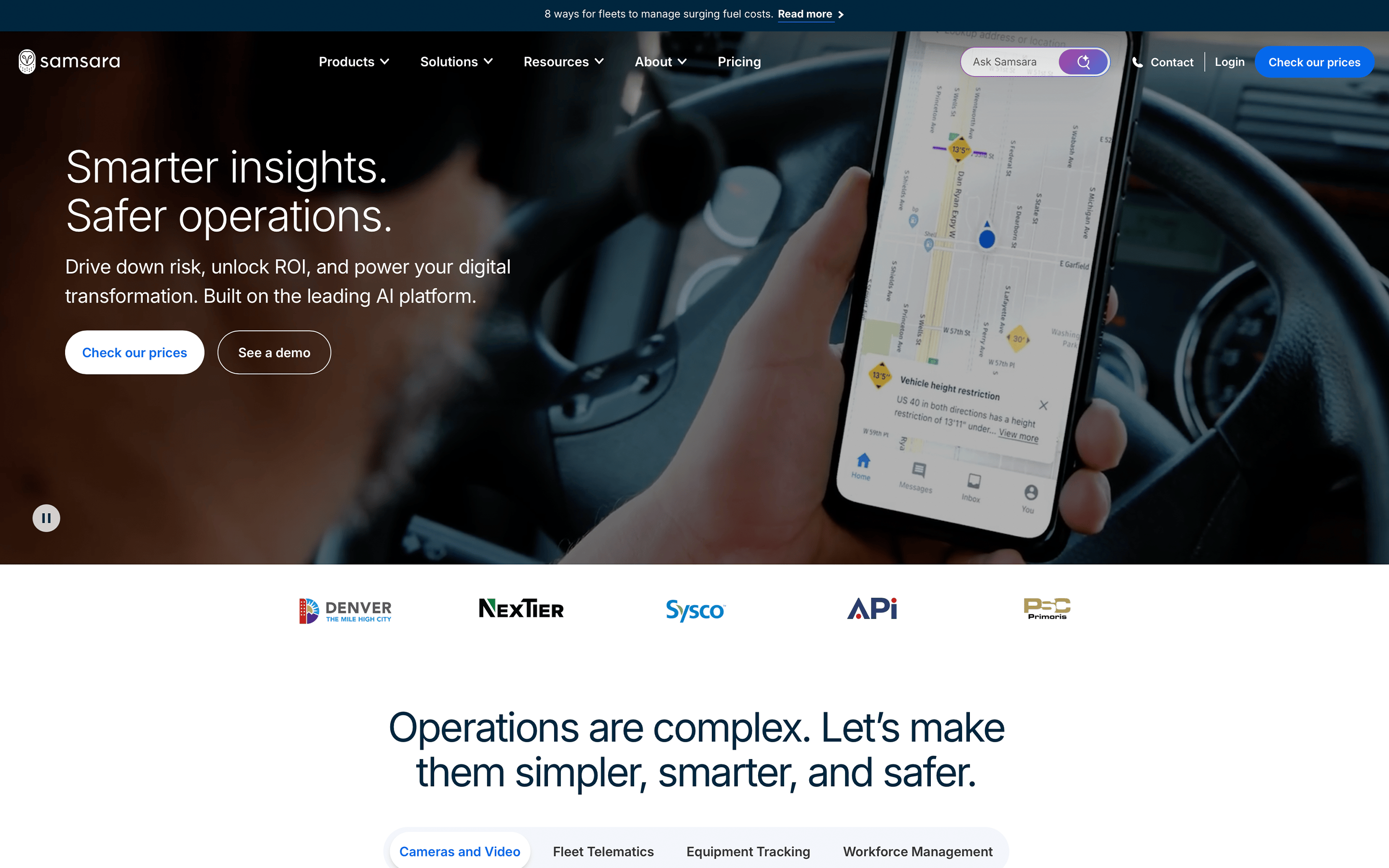
Samsara combines telematics, fleet tracking, and video safety monitoring in a cloud platform that supports both on-road vehicles and off-road construction equipment to an extent.
Best For
Contractors prioritizing GPS tracking and safety monitoring of on-road fleets.
Key Features
- GPS tracking for vehicles and equipment
- OEM telematics integrations with manufacturers such as Caterpillar, John Deere, and Komatsu
- Geofence alerts for equipment movement
- Video-based safety monitoring and driver analytics
| ✅ Pros | ❌ Cons |
|---|---|
|
|
Integrations
Supports OEM telematics connections and third-party integrations via APIs and marketplace apps.
Contract Terms
Standard contracts are typically multi-year agreements.
Mobile Support
Not specified.
Pricing
Pricing not publicly available.
4. Motive
Overview
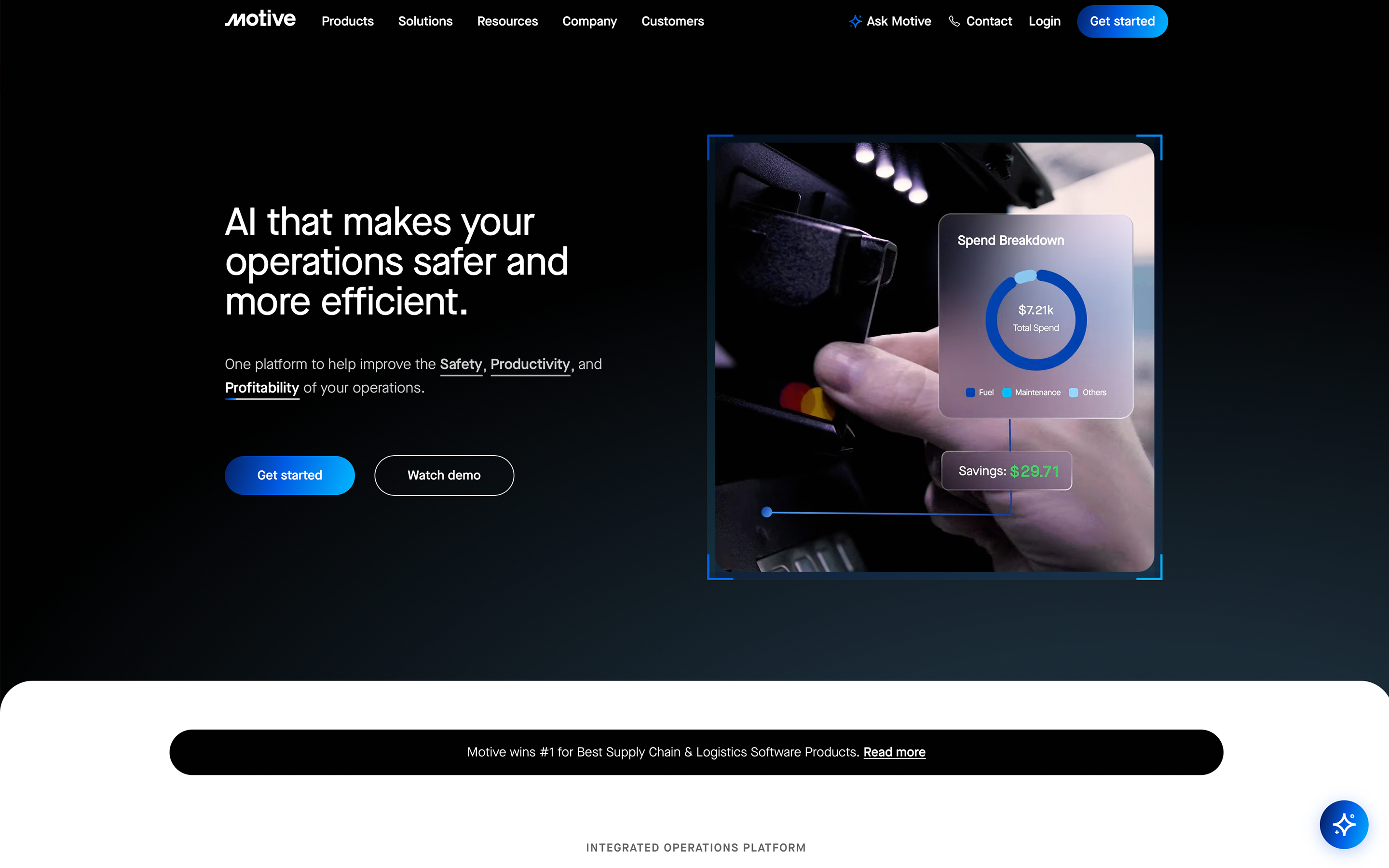
Motive combines telematics, safety monitoring, and spend management in a single platform using AI-powered cameras and fleet analytics.
Best For
Organizations focused on vehicle safety monitoring and telematics for on-road fleets.
Key Features
- GPS tracking and fleet visibility
- AI dash cams and driver safety monitoring
- Expense categorization for fuel, parts, and maintenance
- Compliance tools for fleet operations
| ✅ Pros | ❌ Cons |
|---|---|
|
|
Integrations
Supports integrations with various fleet and compliance systems.
Contract Terms
Multi-year contracts are common.
Mobile Support
Not specified.
Pricing
Pricing not publicly available.
5. HCSS Equipment360
Overview
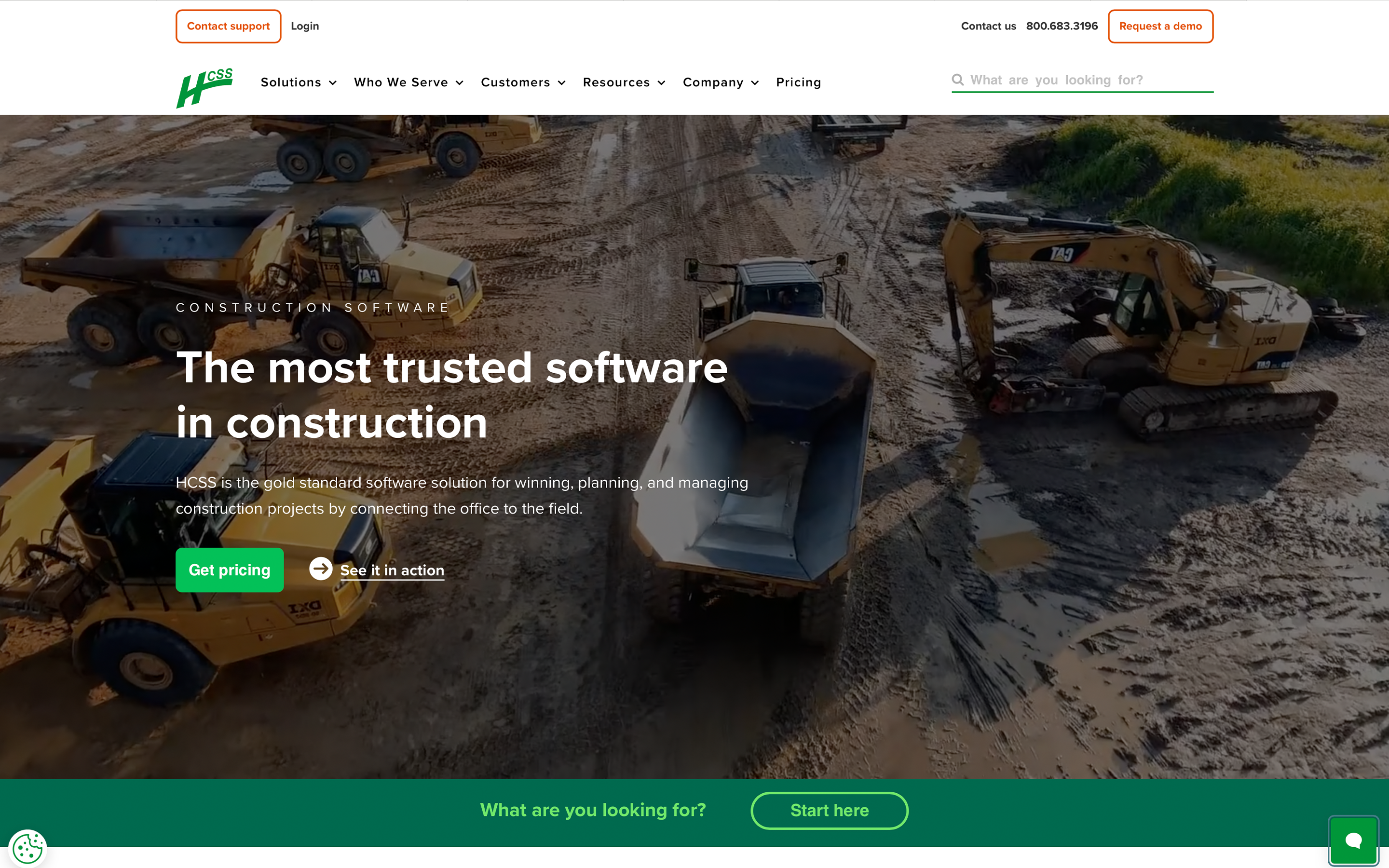
HCSS Equipment360 is part of the HCSS construction software suite. HCSS provides several applications for estimating, operations, and equipment management used primarily by heavy civil contractors.
Best For
Construction companies already using HCSS software products for estimating and operations.
Key Features
- Equipment maintenance scheduling
- Equipment service history tracking
- Parts inventory tracking
- Mechanic productivity tracking
| ✅ Pros | ❌ Cons |
|---|---|
|
|
Integrations
Integrates with other HCSS products and telematics hardware.
Contract Terms
Not specified.
Mobile Support
iPad only.
Pricing
Pricing not publicly available.
6. VisionLink
Overview
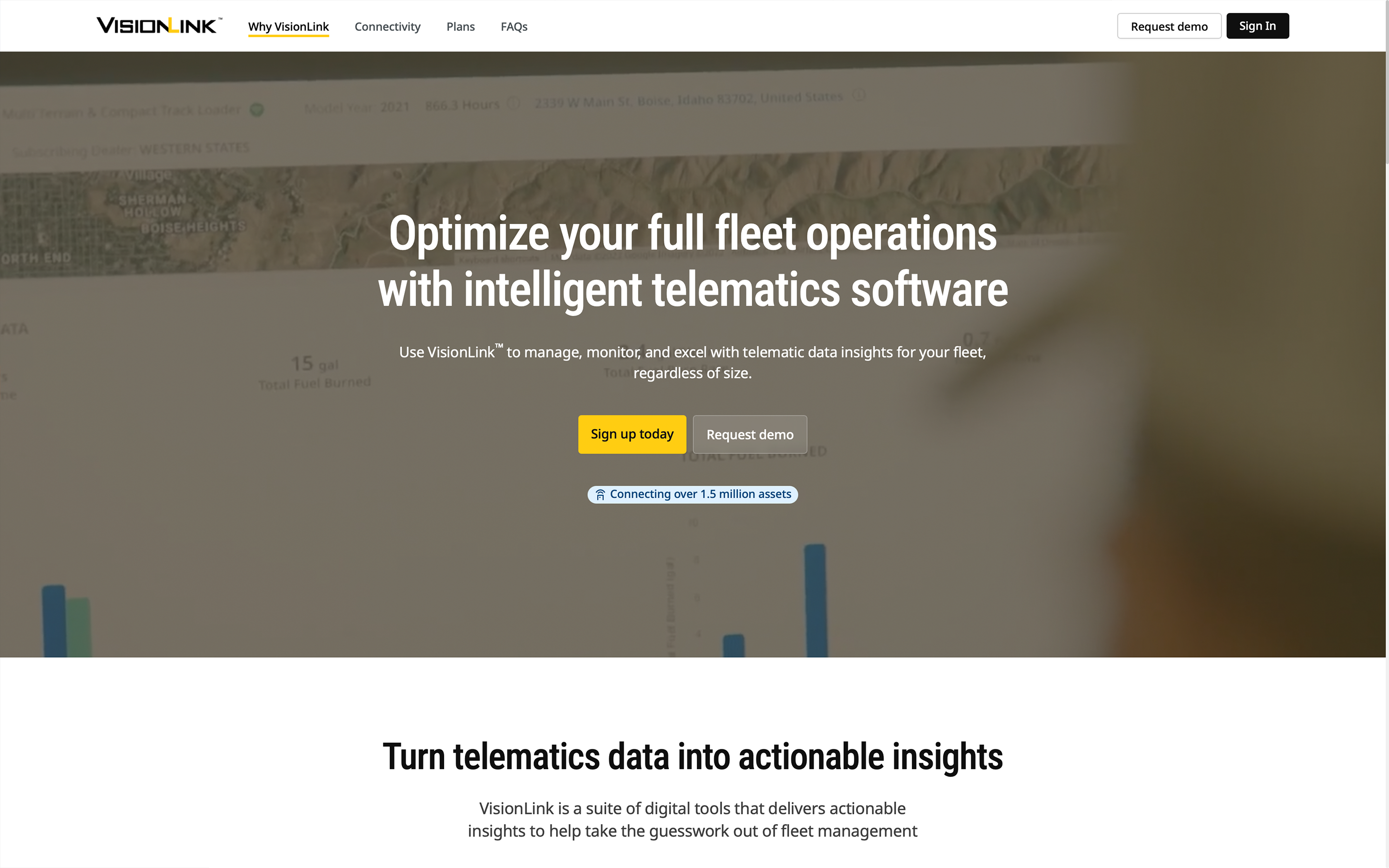
VisionLink is Caterpillar’s telematics platform designed primarily for monitoring heavy equipment performance and location data.
Best For
Organizations operating large fleets of Caterpillar equipment.
Key Features
- OEM telematics data from Caterpillar equipment
- Equipment location tracking
- Utilization and idle monitoring
| ✅ Pros | ❌ Cons |
|---|---|
|
|
Integrations
Primarily integrates with Caterpillar equipment data feeds.
Contract Terms
Not specified.
Mobile Support
Not specified.
Pricing
Pricing not publicly available.
Tenna is the Best Construction Equipment Management Software Choice for Contractors
Tenna brings your operation together in ways that matter: field crews update equipment status and communicate with the shop via mobile app, shop mechanics receive maintenance alerts and track repairs in real-time, and office teams access accurate utilization data for bidding and financial decisions—all through one unified system.
Unlike partial solutions that only track certain assets, Tenna gives you complete visibility across your entire fleet with GPS tracking, preventative maintenance scheduling, and integration with your accounting systems like Viewpoint and Sage.