be_ixf;ym_202601 d_01; ct_50

Custom Construction
Equipment Inspections

Equipment Inspection Software Built for Construction Fleets

No two contractors operate the same, and no single inspection form fits all. That’s why Tenna delivers custom inspection functionality designed specifically for construction companies managing mixed fleets. From yellow iron and on-road vehicles to small tools and specialized assets, Tenna gives you the flexibility to build and manage inspections that reflect your fleet, safety protocols, and operational standards.
 
Part of Tenna’s Safety & Compliance suite, this construction-built inspection solution empowers contractors to stay compliant, extend equipment life, and protect their crews.
Custom Construction Equipment Inspections - Construction inspection software

Benefits of Tenna’s Construction Inspection Software

Customizable to Your Fleet

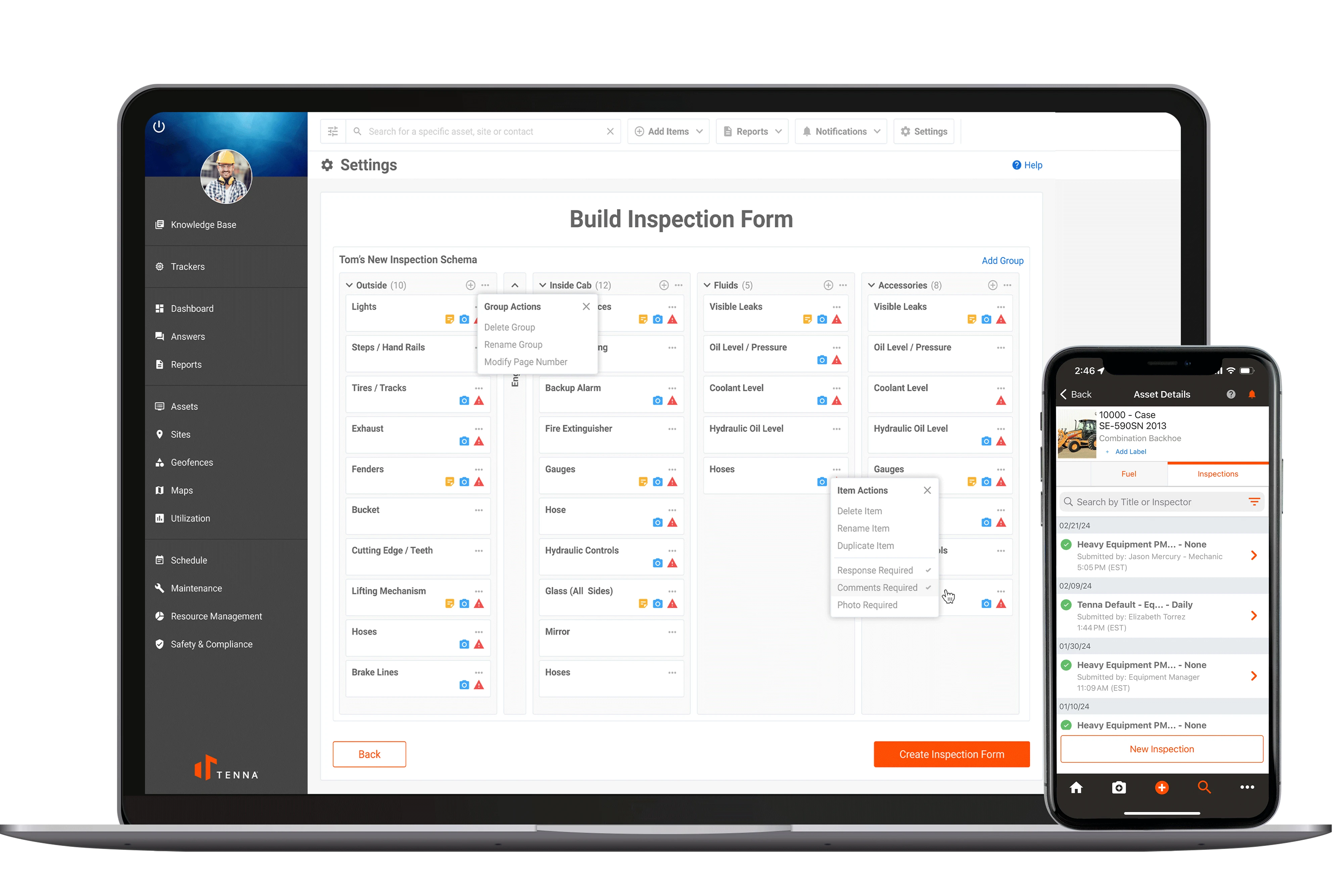
Create your own inspection forms for any asset type or workflow or utilize Tenna's inspection library. Customize fields, requirements, and logic to align with internal and regulatory needs.

Strengthen Safety & Compliance 

Standardize inspection routines across jobsites and crews to support OSHA, DOT, and insurance audits. Improve internal compliance with alerts when inspections are missed or incomplete.

Simplify Field Operations

Complete inspections on mobile or tablet and attach photos, notes, and signatures on the go using the Tenna App. Offline capability ensures inspections stay on schedule.

Automate Maintenance Workflows

Automatically generate maintenance requests for failed items, and track resolution status in Tenna’s Equipment Maintenance module. Reduce manual entry and repair delays.

Centralize Equipment Inspection Oversight 

View inspection logs and trends by asset, team, or jobsite. Generate reports for audits or internal performance reviews and connect inspection outcomes to Scorecards metrics.

gs-construction-logo.png

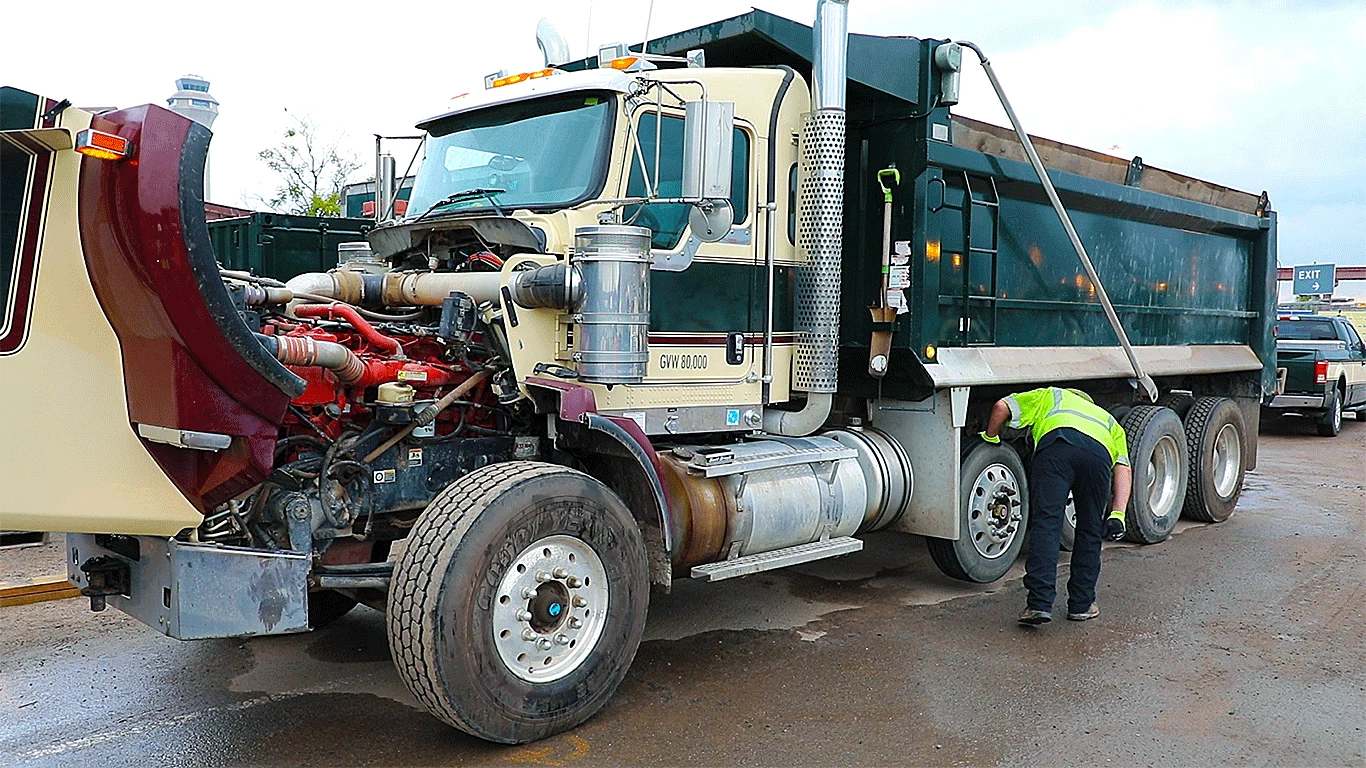
Prior to Tenna, GS Construction did not have a formal inspection process outside of DVIR requirements. Watch how this contractor leverages Tenna’s custom inspections feature to maintain equipment inspection records now to improve safety and compliance.

How Custom Inspections Work

Custom Construction Equipment Inspections - Construction inspection software

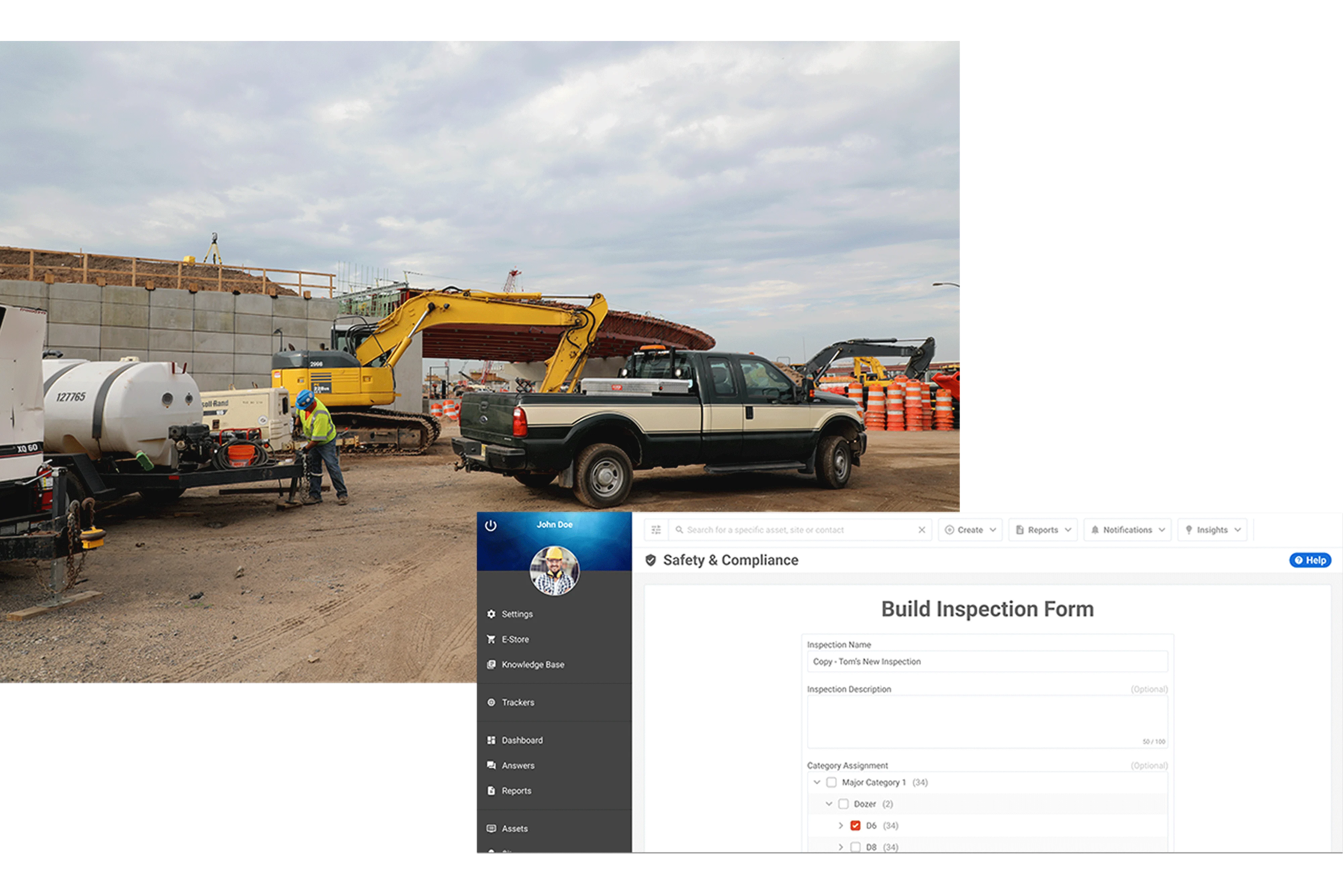
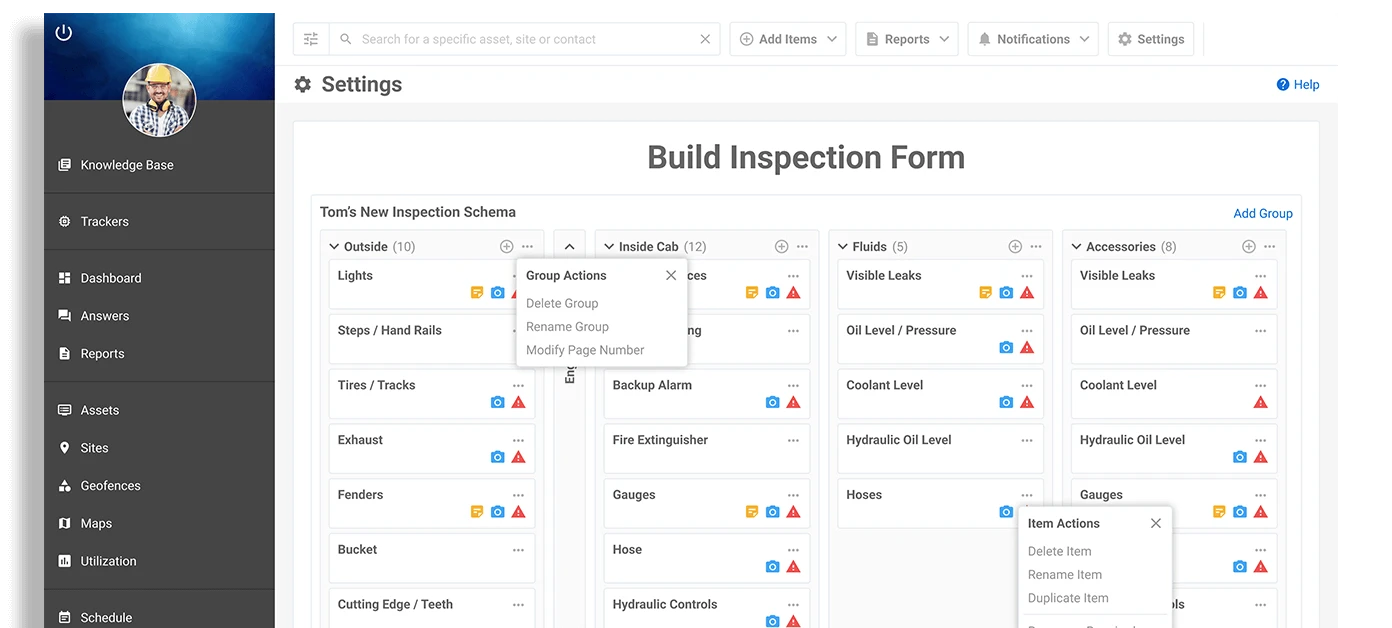
Design Custom Equipment Inspection Templates​​

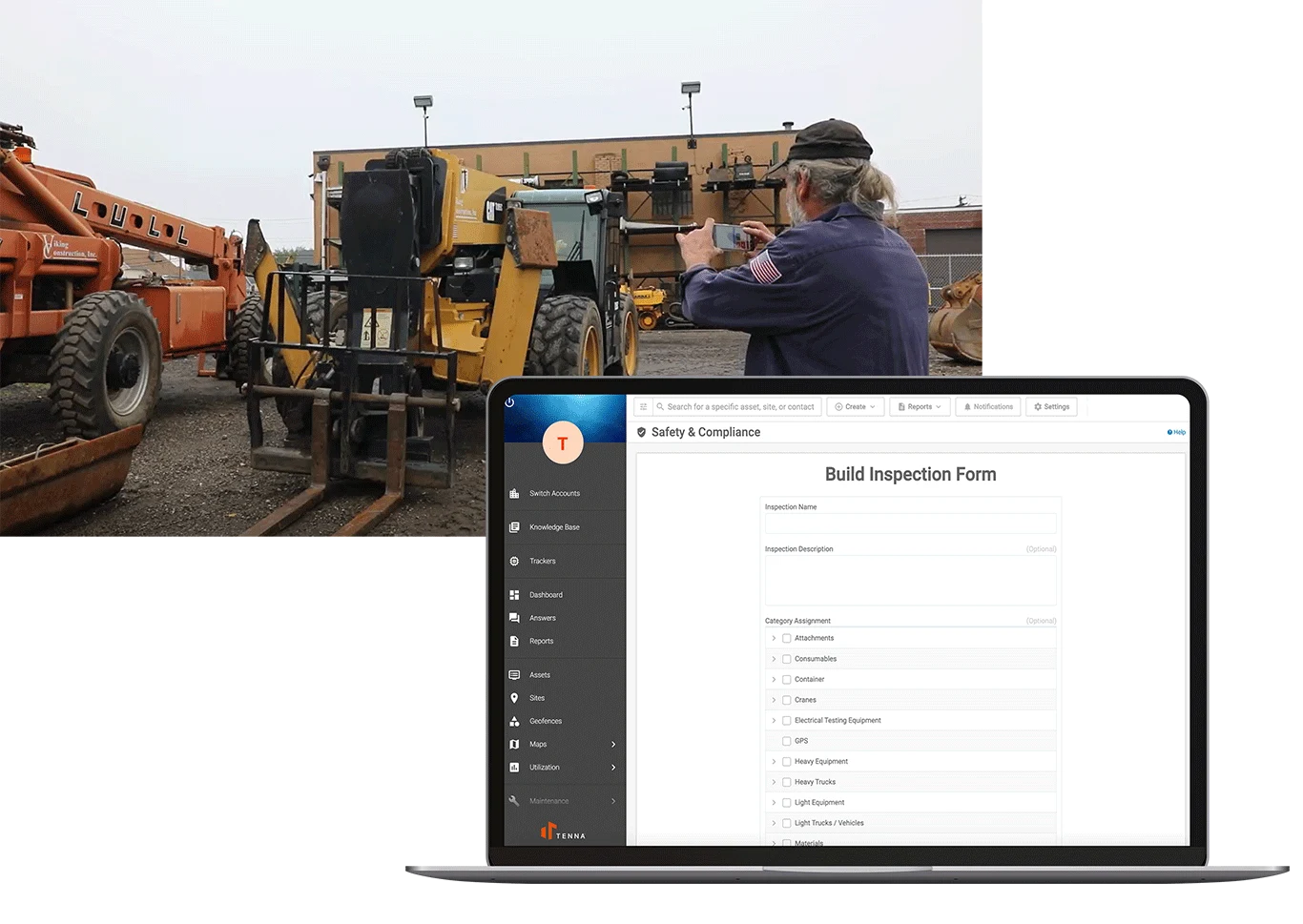
Use Tenna’s template builder to create inspections by: Asset category (e.g., dozers, dump trucks, pickup trucks) Role (e.g., operator, mechanic, supervisor) Safety or compliance needs Include pass/fail logic and conditionally required fields, photos, and e-signatures.
Custom Construction Equipment Inspections - Construction inspection software

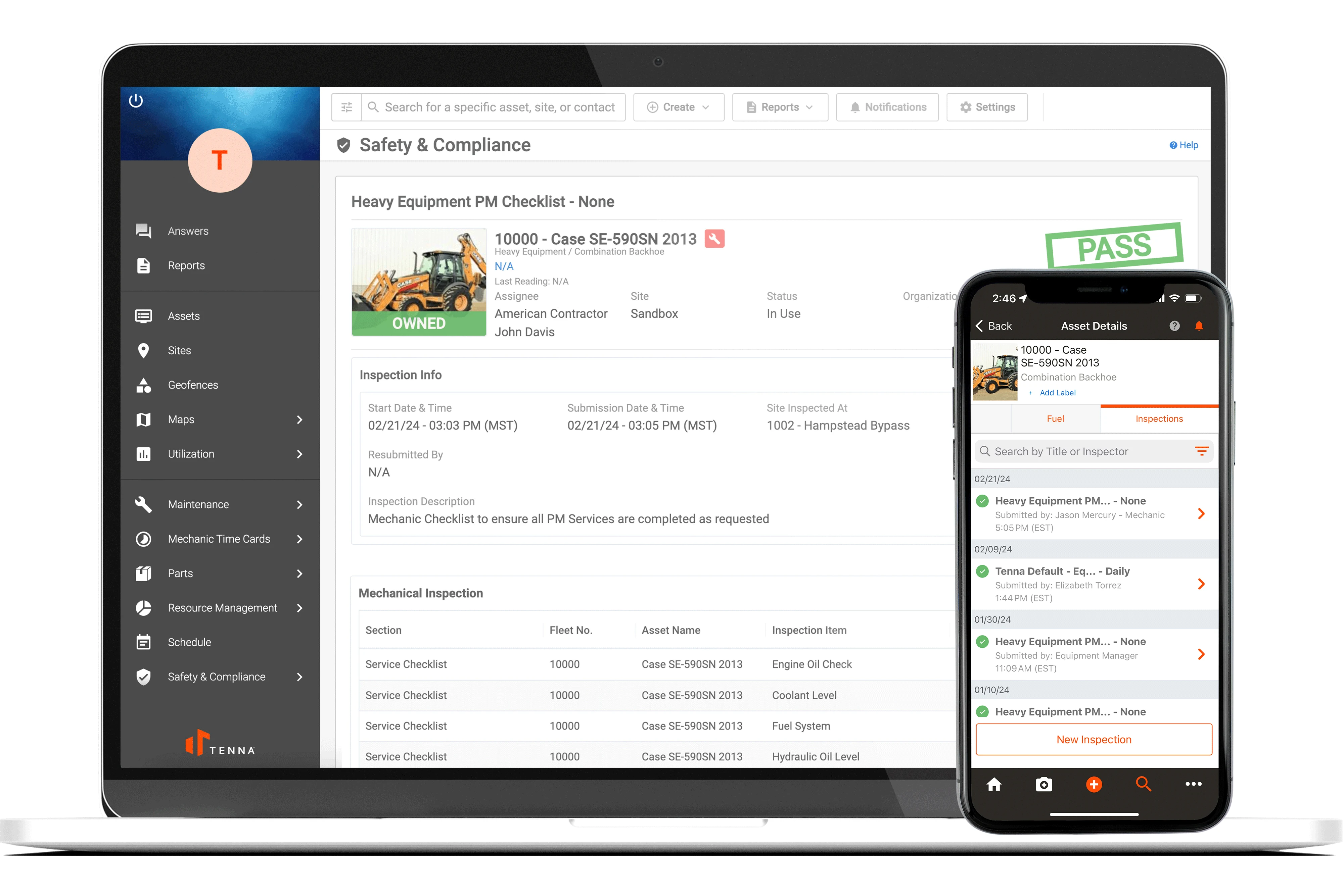
Assign, Schedule, and Monitor Inspections​

Assign inspections to specific assets, users, or locations. Set them to recur daily, weekly, or based on events like project mobilization or preventative maintenance due. Tenna's inspection software offers custom logic based on date or equipment usage, so you’re always dialed into machines and operators not adhering to safety standards.

Custom Construction Equipment Inspections - Construction inspection software

Complete Equipment Inspections in the Field

Crews complete inspections digitally from the field using the Tenna App and easy QR-code based inspection functionality. Forms, such as a custom dozer inspection or a custom articulated truck inspection, sync automatically with the platform—even when working offline.
Custom Construction Equipment Inspections - Construction inspection software

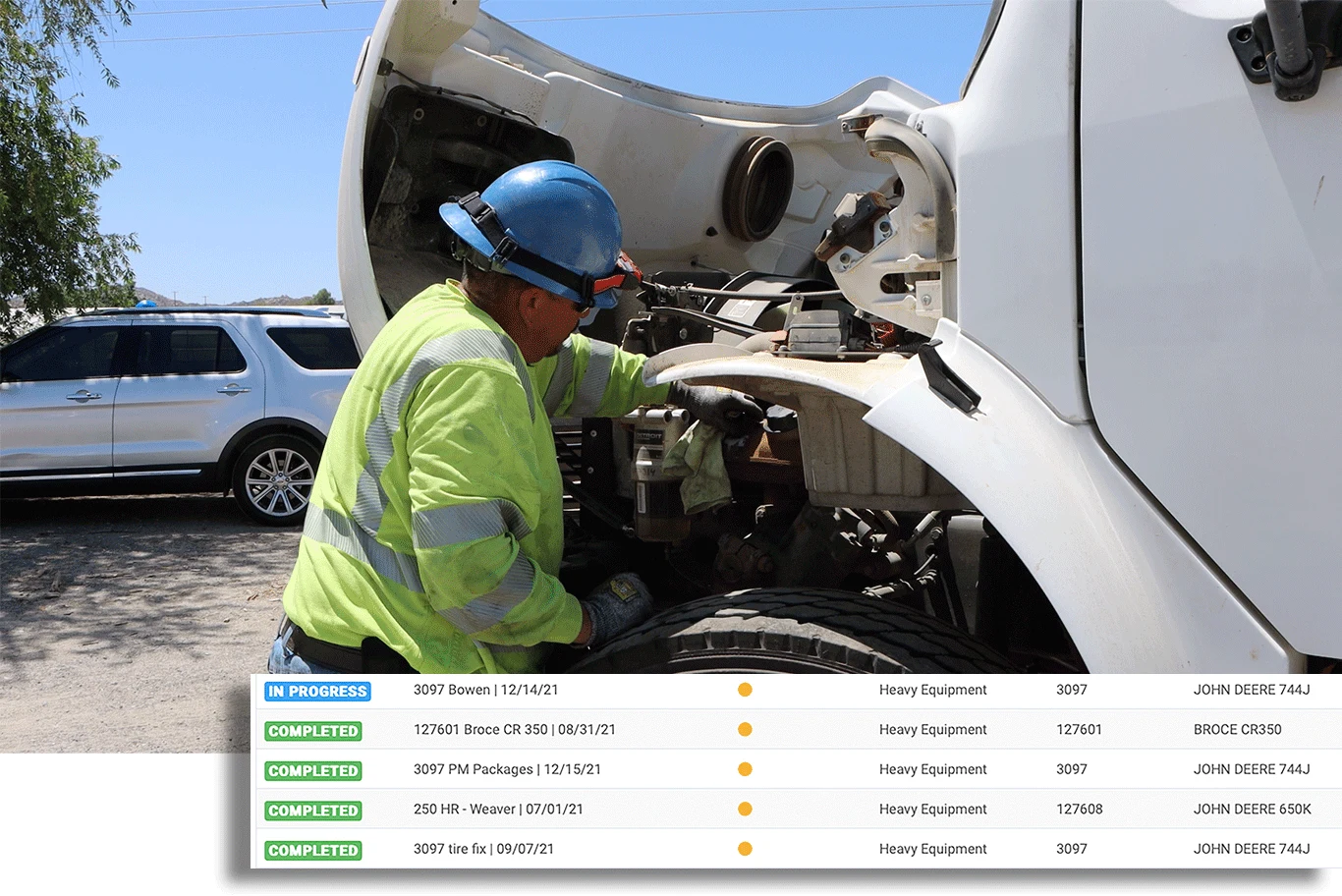
Trigger Equipment Maintenance Needs Automatically

Inspection failures or flagged items are linked to Tenna’s Equipment Maintenance feature to automate workflows, creating repair requests and tracking resolution status in real time.

Custom Construction Equipment Inspections - Construction inspection software

Score and Improve Operational Safety and Performance

Inspection data feeds directly into Tenna’s Scorecard, contributing to risk profiling, safety performance insights, and accountability by role, crew, or location.

Connecting Construction Safety and Operational Efficiencies

Contractors can set up inspection templates for specific areas of focus, such as mechanical inspections to test certain aspects of equipment functionality (e.g., hydraulic controls, engine belts, air filters, etc.) and daily walk around inspections for high-level safety checks (e.g., safety belts, lights, horns, fluid levels, etc.).
Custom Construction Equipment Inspections - Construction inspection software

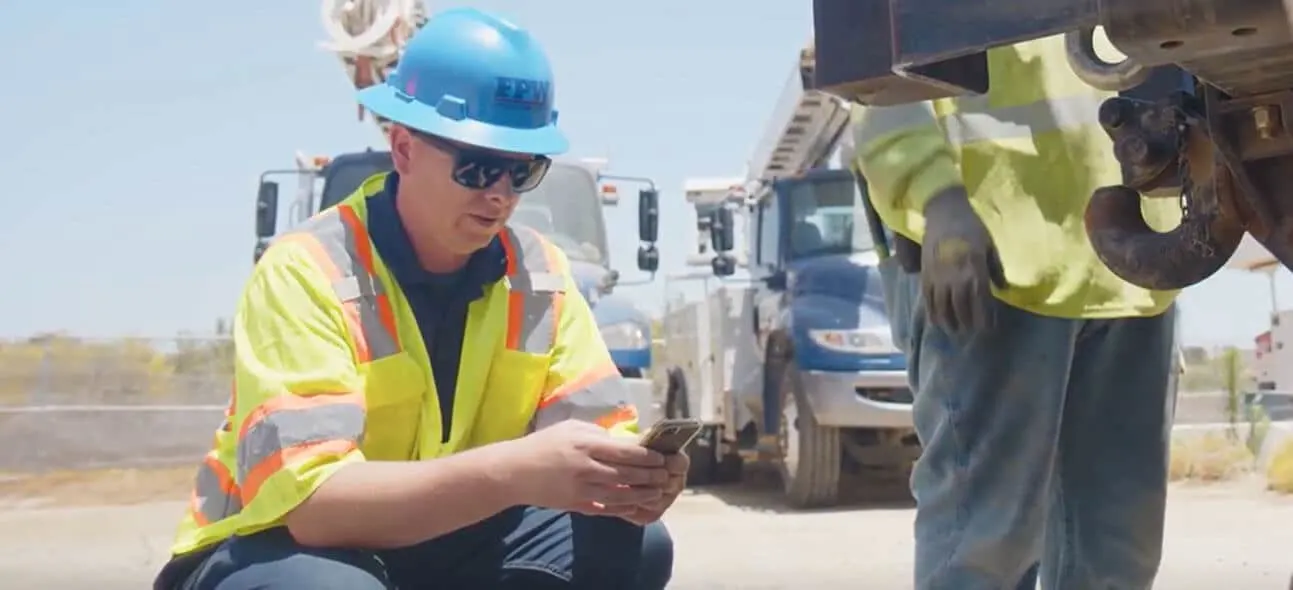
Custom inspections are not siloed—they’re part of a connected workflow. Add inspection requirements to ensure all critical components of machines are operational when performing routine service.

When an operator flags an issue, Tenna:

  • Logs the result to the asset record
  • Automatically creates a repair request
  • Assigns it to a mechanic
  • Tracks resolution to closure

No more paperwork delays or missed repairs. Plus, contractors get robust documentation beyond preventative maintenance services and repairs that can be valuable when deciding to sell a machine.
Custom Construction Equipment Inspections - Construction inspection software

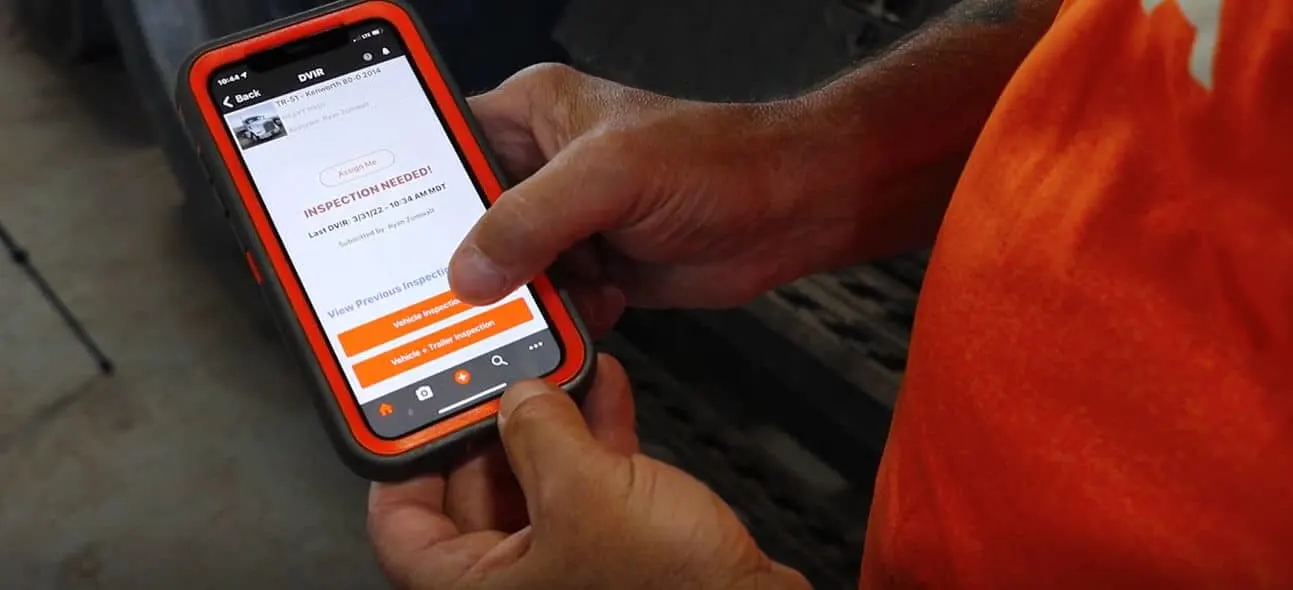
Connected to Tenna’s scheduling and dispatching functionality, custom inspections for delivery or inbound can be attached to dispatch events to ensure the condition of machines with documentation at drop off. This can help prevent unwarranted back charges for equipment damage, especially when operating at a busy jobsite with other contractors, subs and vendors.
Custom Construction Equipment Inspections - Construction inspection software

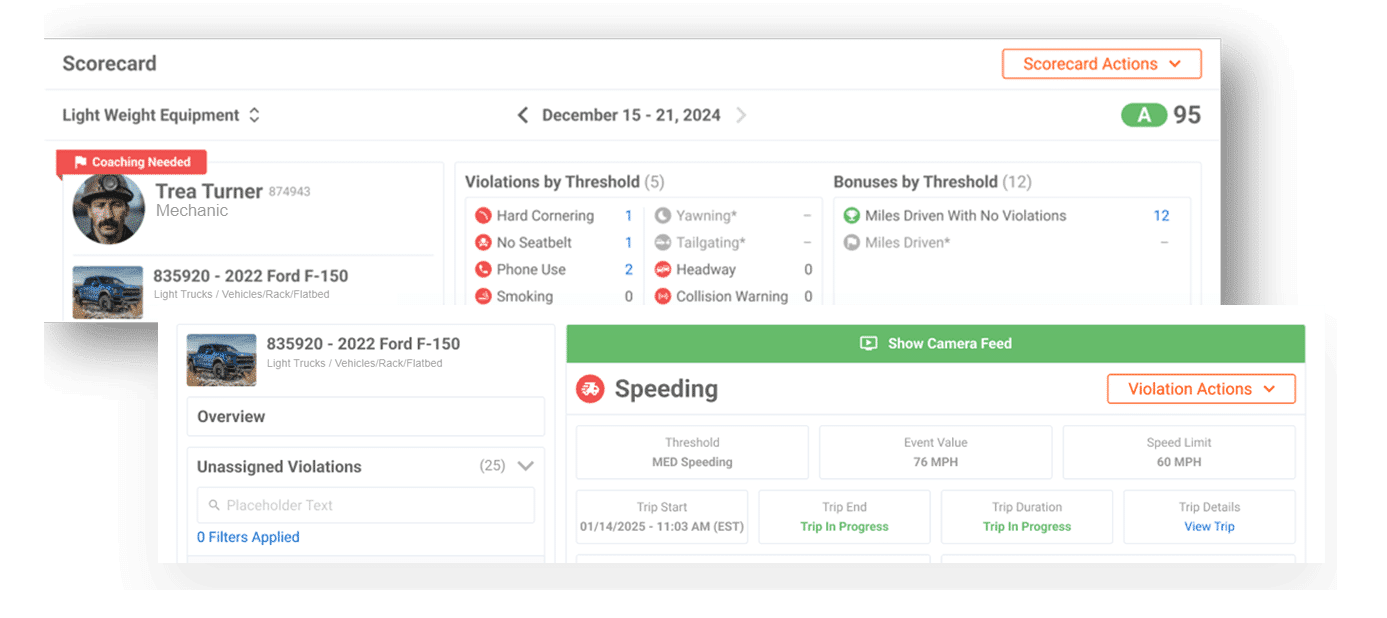
Tenna’s Scorecard enables contractors to establish regular inspection requirements and offers a centralized dashboard for evaluating inspection compliance, identifying risk patterns, and improving accountability across the organization.

Inspection participation and quality feed directly into scorecard rankings by employee, crew, or location—helping you build a data-driven safety culture.

Learn more about implementing scorecards at your company.
Custom Construction Equipment Inspections - Construction inspection software

Learn More: Inspection Best Practices

Want to see what a top-tier inspection looks like? Explore Tenna’s expert insights in our blog: Heavy Equipment Inspection Checklist: What to Include and Why

This guide highlights key checklist components, compliance tips, and strategies to improve your heavy equipment inspection process.

Custom Construction Equipment Inspections - Construction inspection software

Why Choose Tenna for Construction Inspection Software?

With Tenna, you’re not just checking boxes—you’re creating a system of accountability, performance, and safety that fits your entire operation. Our custom construction inspection software was built with construction in mind, supporting:

Mixed equipment fleets

Real-time field operations

In-house maintenance

Safety and compliance

Dispatching and deliveries

Risk scoring and trend reporting

Smarter, Safer Fleets Start with Better Inspections

Custom Construction Equipment Inspections - Construction inspection software

Learn more about how you can improve safety and streamline inspections across your construction fleet.

Build Your Own

Book a Demo